Zoom from the month to the morning.
Pinch or scroll and the whole timeline rescales, from a year of bookings down to one hour. Nothing switches views. It is one surface the whole way down.
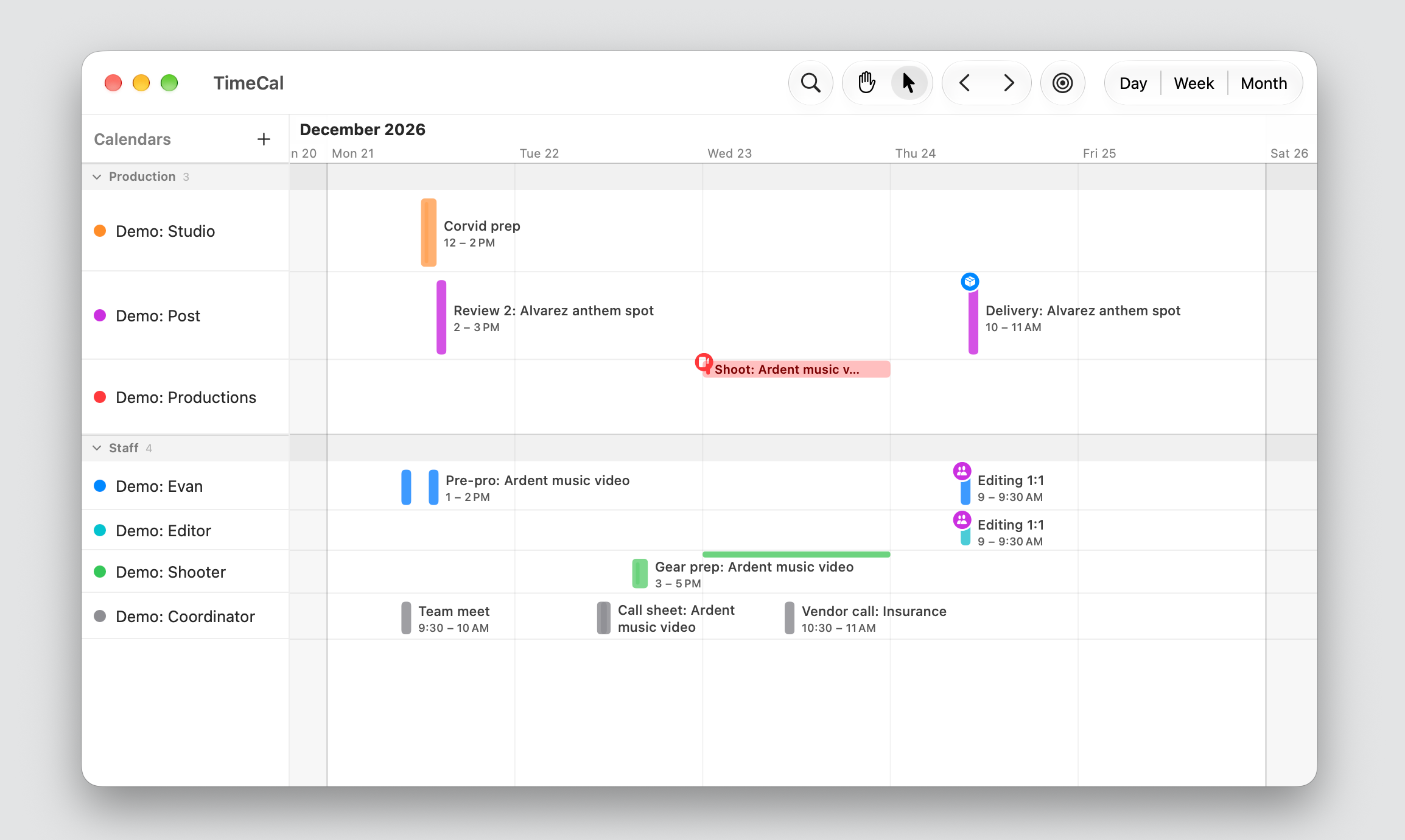
Pinch or scroll and the whole timeline rescales, from a year of bookings down to one hour. Nothing switches views. It is one surface the whole way down.
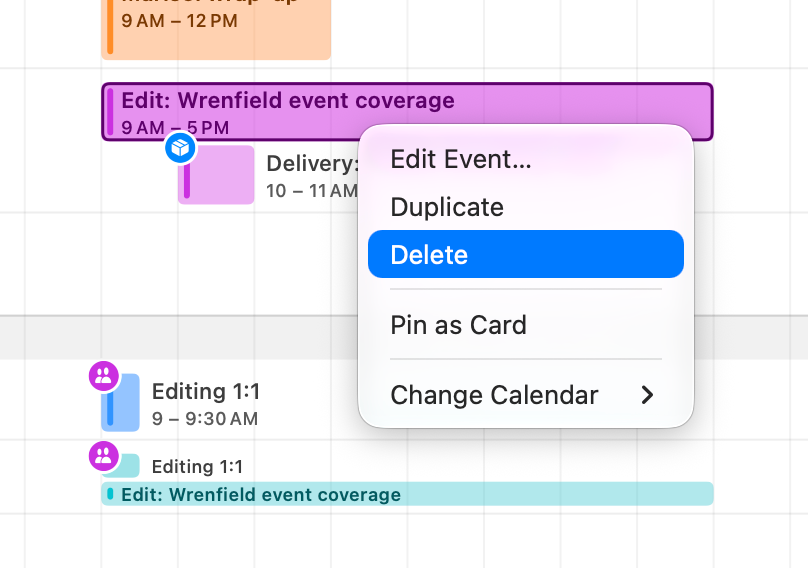
Drag to move, pull an edge to resize, right-click for the rest. Every change stages until you save, so a slip of the hand is never a sent invitation.
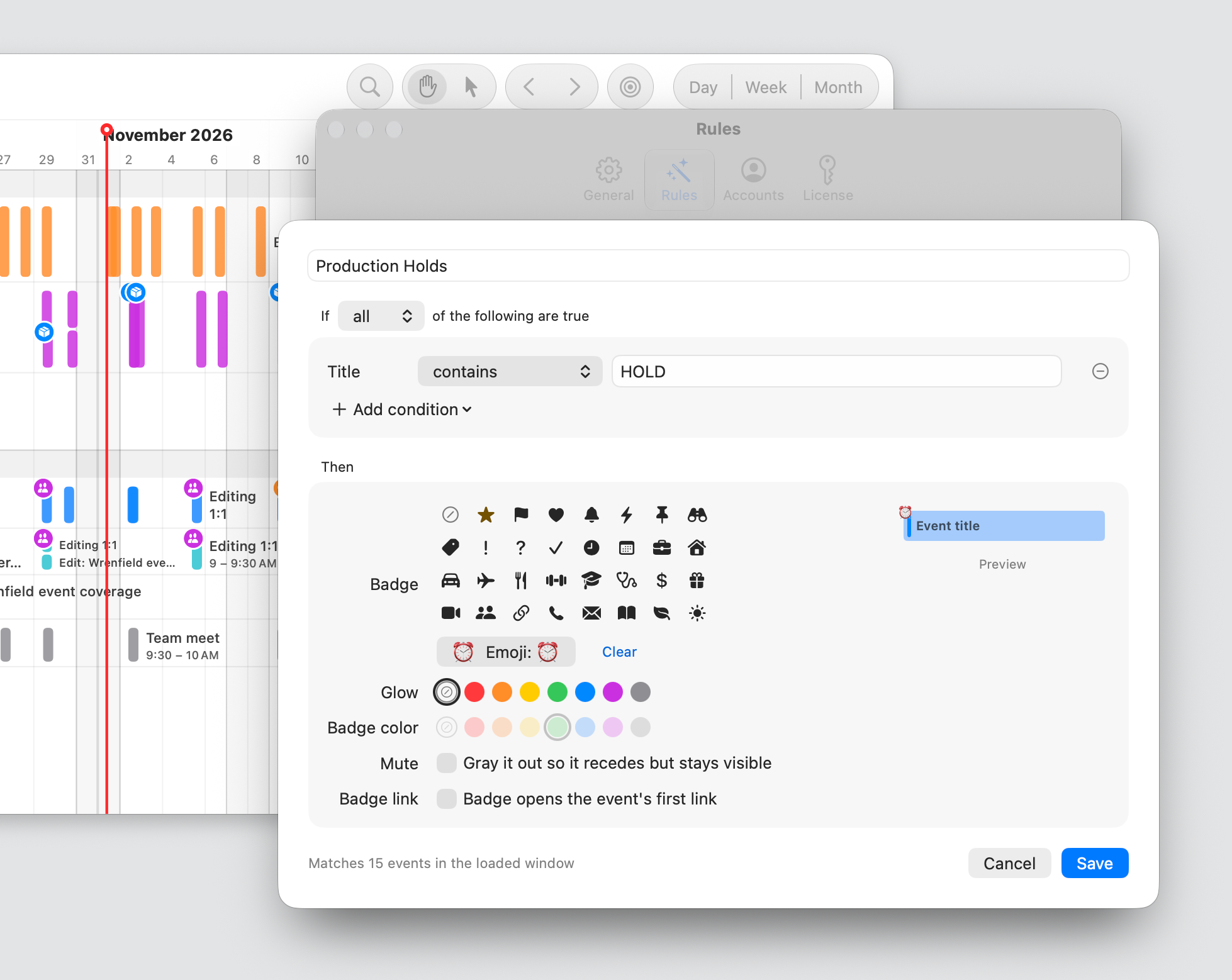
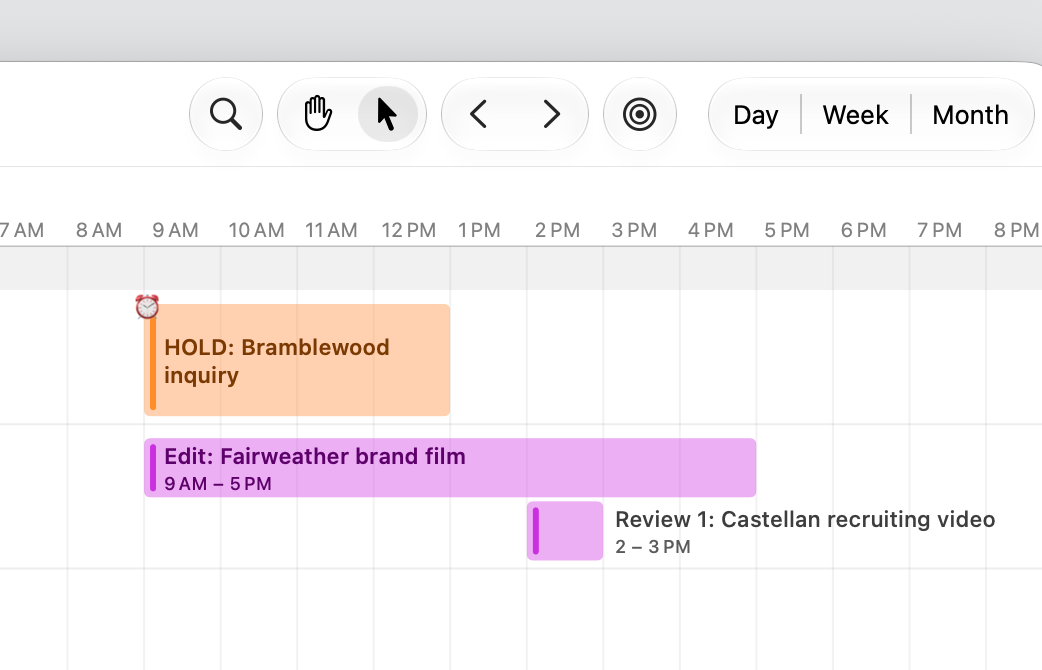
A title that contains HOLD gets an alarm badge and a wash. Delivery days get a box, 1:1s get people. Set it once and every matching event follows, on every calendar.
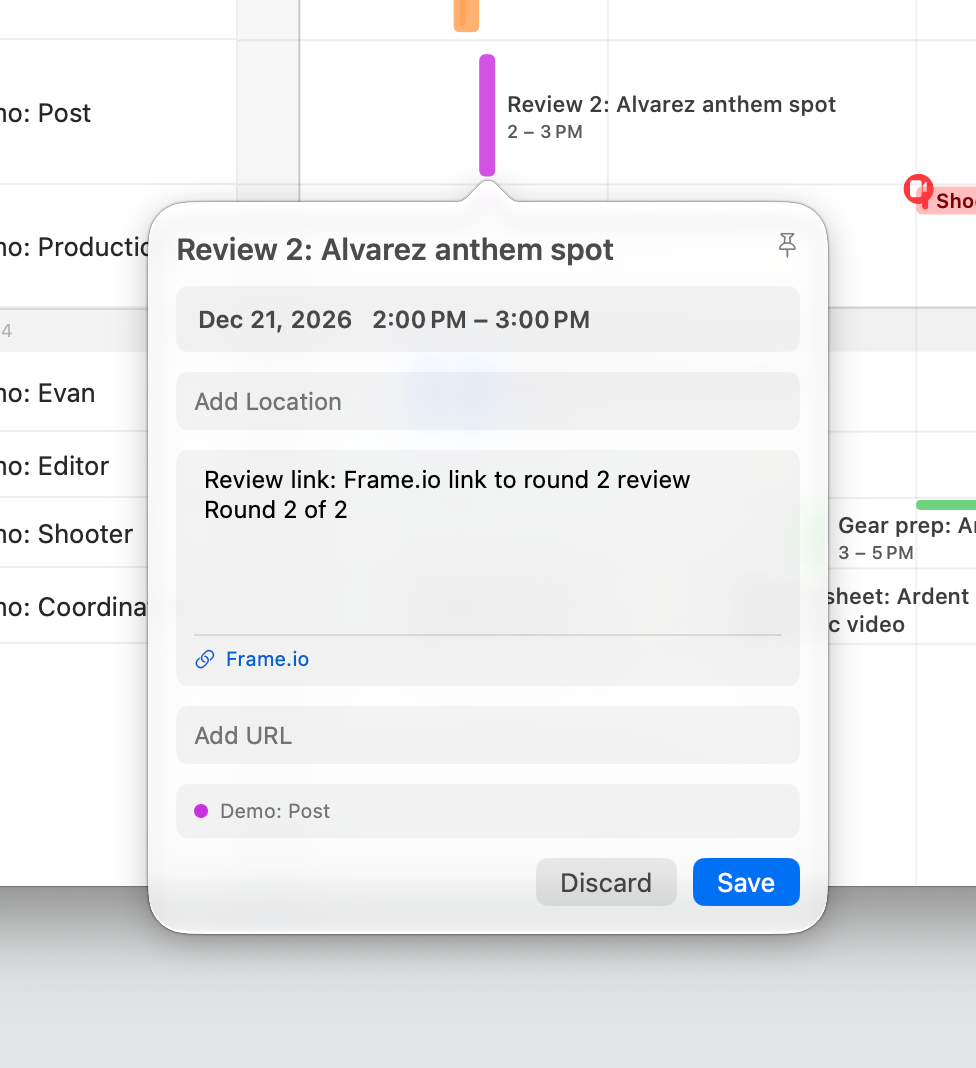
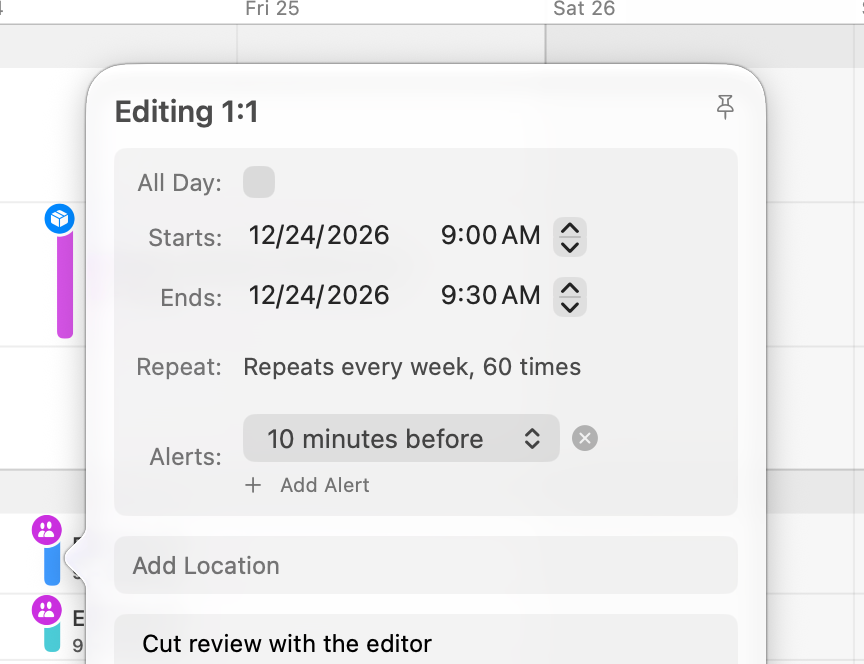
Notes, links, repeats and alerts open in a card right over the event. Pin the card and it stays put while you keep moving.
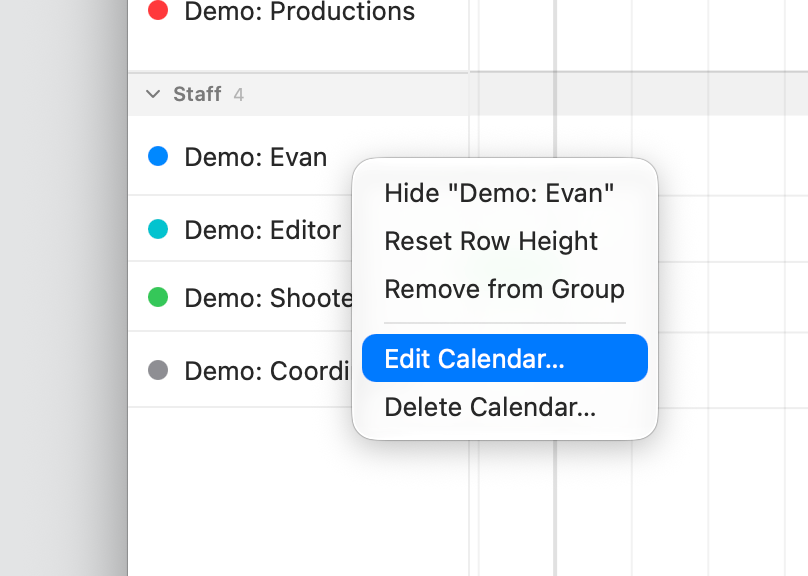
Group them, reorder them, hide the ones that are not today’s problem. Row height is yours, per lane.
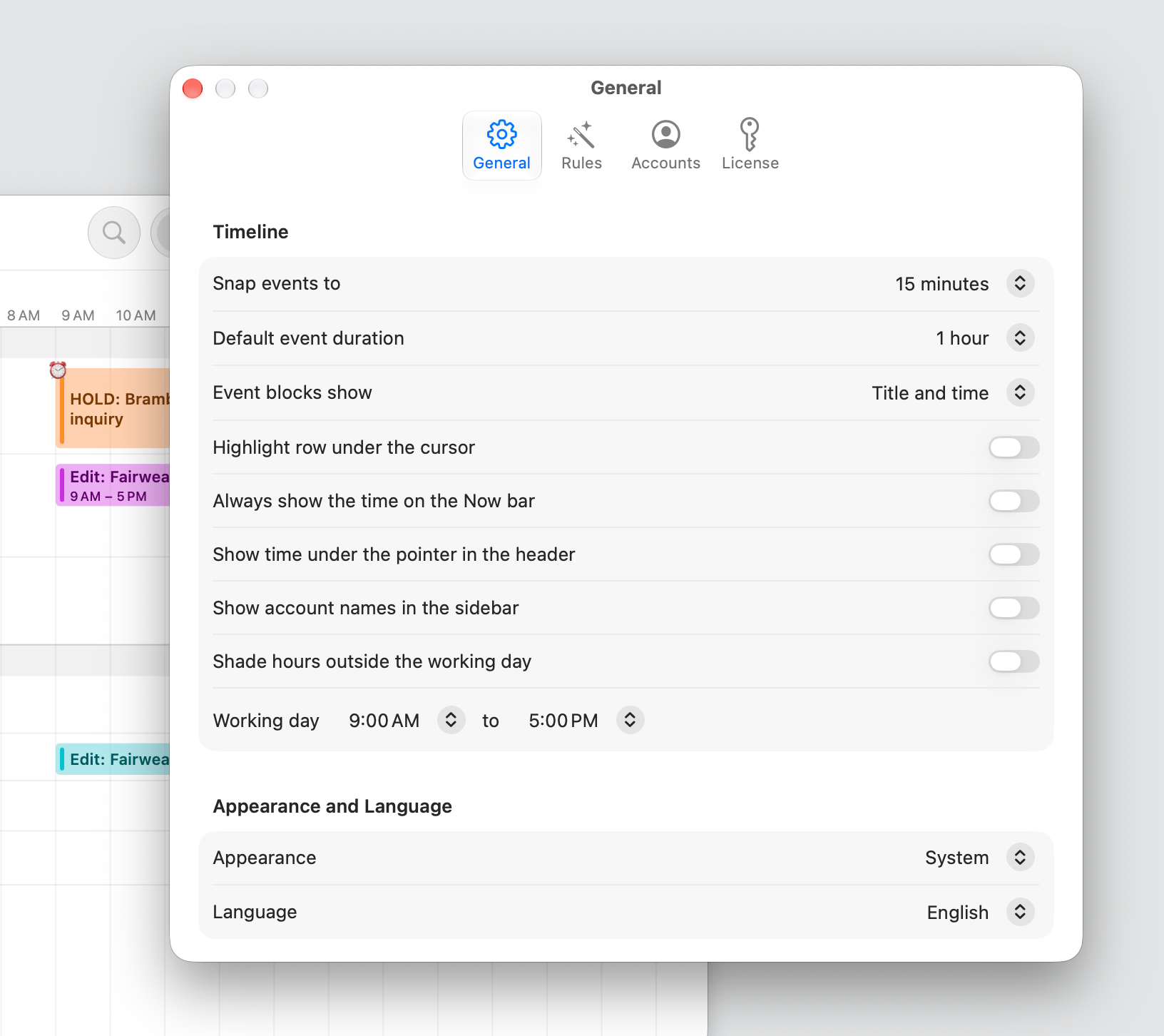
Snap, default duration, working hours, appearance and language, in one quiet settings window. Then forget it is there.